INPUT DEVICES
Various devices are available for data input on graphics workstations. Most systems have a keyboard and one or more additional devices specially designed for interactive input. These include a mouse, trackball, spaceball, joystick, digitizers, dials, and button boxes. Some other input devices used in particular applications are data gloves, touch panels, image scanners, and voice systems.
Keyboards
An alphanumeric keyboard on a graphics system is used primarily as device for entering text strings. The keyboard is an efficient device for inputting such nongraphic data as picture labels associated with a graphics display. Keyboards can also be provided with features to facilitate entry of screen coordinates, menu selections, or graphics functions.
Mouse
A mouse is small hand-held box used to position the screen cursor. Wheels or rollers on the bottom of the mouse can be used to record the amount and direction of movement. Another method for detecting mouse motion is with an optical sensor,. For these systems, the mouse is moved over a special mouse pad that has a grid of horizontal and vertical lines. The optical sensor detects movement across the lines in the grid.
Since a mouse can be picked up and put down at another position without change in cursor movement, it is used for making relative changes in the position of the screen cursor. One, two, or three buttons are usually included on the top of the mouse for signaling the execution of some operation, such as recording cursor position or invoking a function.
Joysticks
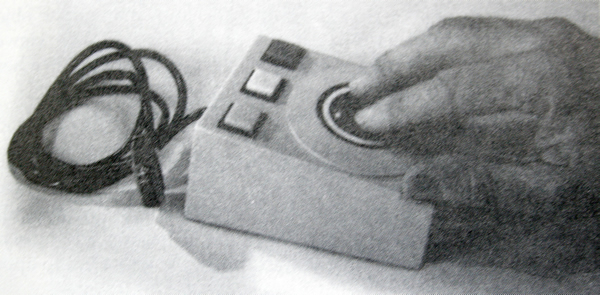
A joystick consists of a small, vertical lever (called the stick) mounted on a base that is used to steer the screen cursor around. Most joysticks select screen positions with actual stick movement; others respond to pressure on the stick. Figure below shows a movable joystick. Some joysticks are mounted on a keyboard; others function as stand-alone units.
 Digitizers
 A common device for drawing, painting, or interactively selecting coordinate positions on an object is a digitizer. These devices can be used to input coordinate values in either a two-dimensional or a three-dimensional space. Typically, a digitizer is used to scan over a drawing or object and to input a set of discrete coordinate positions, which can be joined with straight-line segments to approximate the curve or surface shapes.
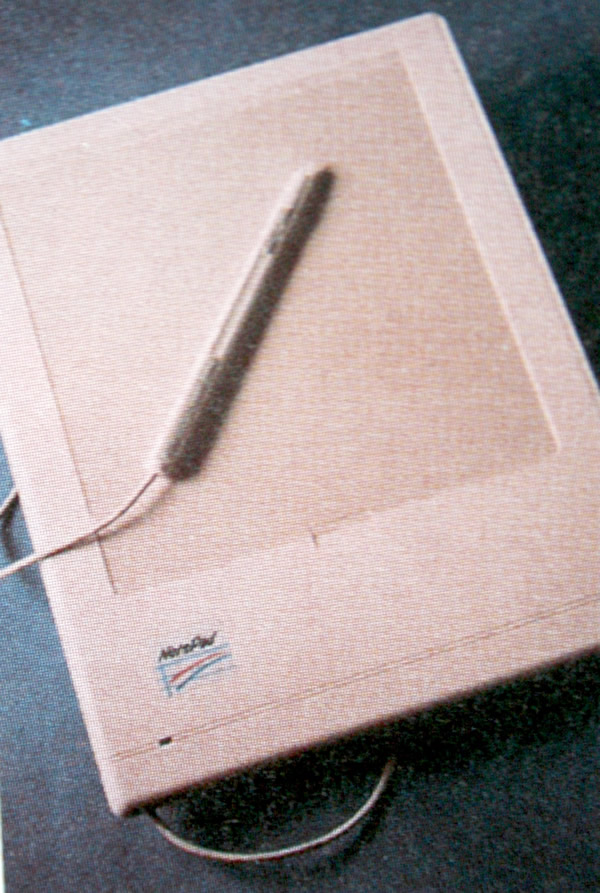
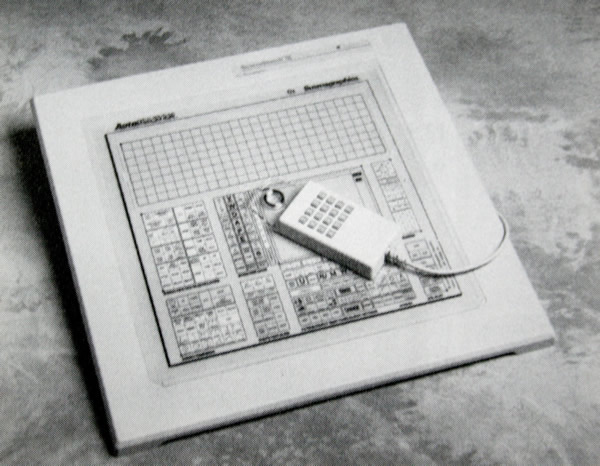 One type of digitizer is the graphics tablet (also referred to as a data tablet), which is used to input two-dimensional coordinates by activating a hand cursor or stylus at selected positions on a flat surface. A hand cursor contains cross hairs for sighting positions, while a stylus is a pencil-shaped device that is pointed at positions on the tablet. Figures below show examples of desktop and floor-model tablets, using hand cursors that are available with 2, 4, or 16 buttons. Examples of stylus input with a tablet are shown in Figs. Below. The artist’s digitizing system in Fig. below uses electromagnetic resonance to detect the three-dimensional position of the stylus. This allows an artist to produce different brush strokes with different pressures on the tablet surface. Tablet size varies from 12 by 12 inches for desktop models to 44 by 60 inches or larger for floor models. Graphics tablets provide a highly accurate method for selecting coordinate positions, with an accuracy that varies from about 0.2 mm on desktop models to about 0.05 mm or less on larger models.
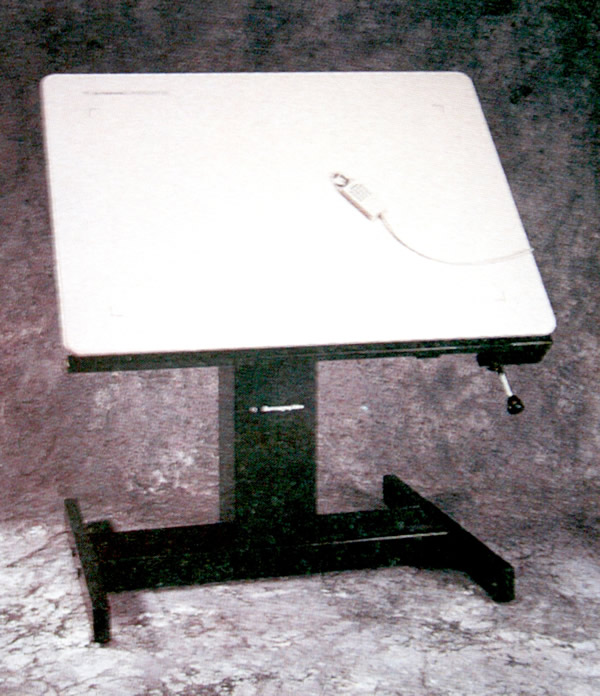 Many graphics tablets are constructed with a rectangular grid of wires embedded in the tablet surface. Electromagnetic pulses are generated in sequence along the wires, and an electric signal is induced in a wire coil in an activated stylus or hand cursor to record a tablet position. Depending on the technology, either signal strength, coded pulses, or phase shifts can be used to determine the position on the tablet.